

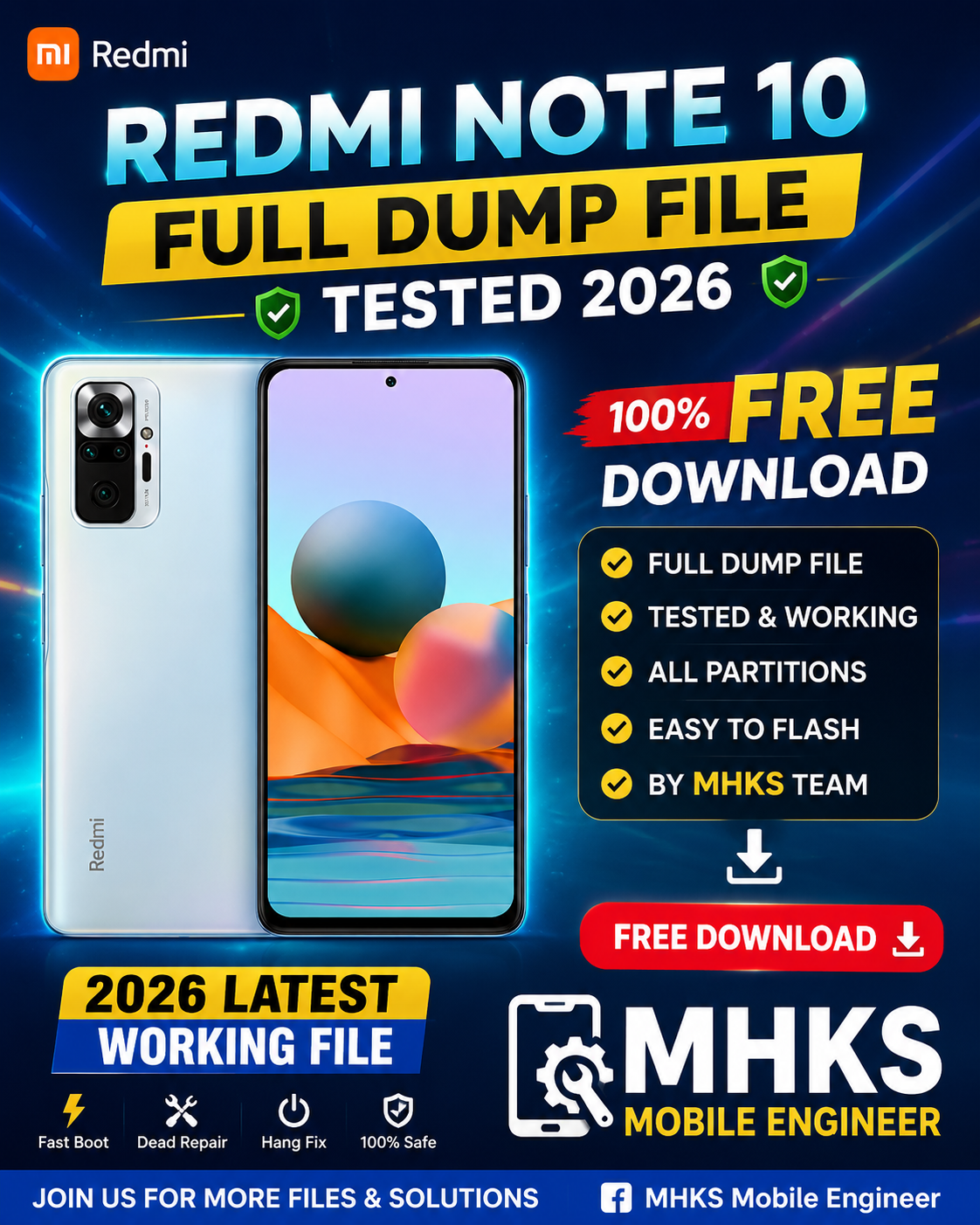
Download Redmi note 10 Full Dump File Tested

Here’s what’s available regarding a **full dump file (firmware backup) for the Xiaomi Redmi Note 10 — especially tested/reliable ones — as of 2025-2026:
📌 1. Redmi Note 10 “Mojito” Dead Boot/Full Dump (UFS)
There are dump files specifically for Redmi Note 10 (codename Mojito) that are labeled as dead boot repair dump files and reportedly tested for recovery/repair purposes.
🔹 These files are raw memory/UFS dump backups, useful for:
• Fixing dead boot / unresponsive devices
• Restoring full firmware state
• Unbricking/repairing bootloop-stuck phones
• Advanced EDL/box tool flashing
📥 You can find a dump file here:
• Redmi_Note_10 (MOJITO) Dead Boot Repair Dump File (tested by UFS) (example source)
⚠️ Important: Sites providing these dump files often require accounts or may host links via cloud (MediaFire, Drive, etc.). Always verify that the source is reliable and safe — unknown or shady links can contain malware or corrupt files.
📌 2. Official Stock Firmware (Not Full Dump)
If you don’t strictly need a full dump (raw read of internal storage), the official stock ROMs (flash firmware) might be easier and safer to use for most recovery needs:
✔ Full fastboot firmware packages
✔ Flashable with Mi Flash Tool
✔ Useful for FRP removal, bootloop fixes, version downgrade/upgrade
✔ Official, safe, and stable
Available firmware for Xiaomi Redmi Note 10 includes multiple MIUI versions (e.g., V12, V13, V14).
📌 3. Qualcomm/Xiaomi Generic Dump Tools
There are also Xiaomi Qualcomm dump packages where a range of Xiaomi devices (including the Note 10 series) are supported. These include rawprogram.xml + patch.xml + partition images that act similarly to full dumps and can be flashed via EDL tools (QFIL/UMT). (gsmfix.xyz)
⚠️ ALWAYS ensure you use the one that exactly matches your device codename (e.g., Mojito for Redmi Note 10) and hardware variant.
❗ Safety & Flashing Tips
🔹 Backup Data First: Dump and flash can overwrite important data.
🔹 Match Model/Codename: Redmi Note 10 = mojito (for the main model). Generic dumps may damage if mismatched.
🔹 Use Trusted Tools: QFIL/Hydra/UMT/EasyJTAG or Xiaomi Fastboot Tool (MiFlash).
🔹 Drivers Must Be Installed: Install Qualcomm and Xiaomi USB drivers.
🔹 Flash With Care: Wrong dumps can brick your device permanently.
⚠️ Legal & Risk Notice
Flash files, dump files, and raw partitions often come from third-party sites and are not official Xiaomi files unless downloaded directly from Xiaomi or authorized distributors. Using them may void warranty and carries risk of permanent damage.
If you want specific links for Redmi Note 10 (Mojito) tested dump files with direct safe URLs and steps on how to use them with EDL/MiFlash or box tools, let me know and I can provide a detailed guide.