

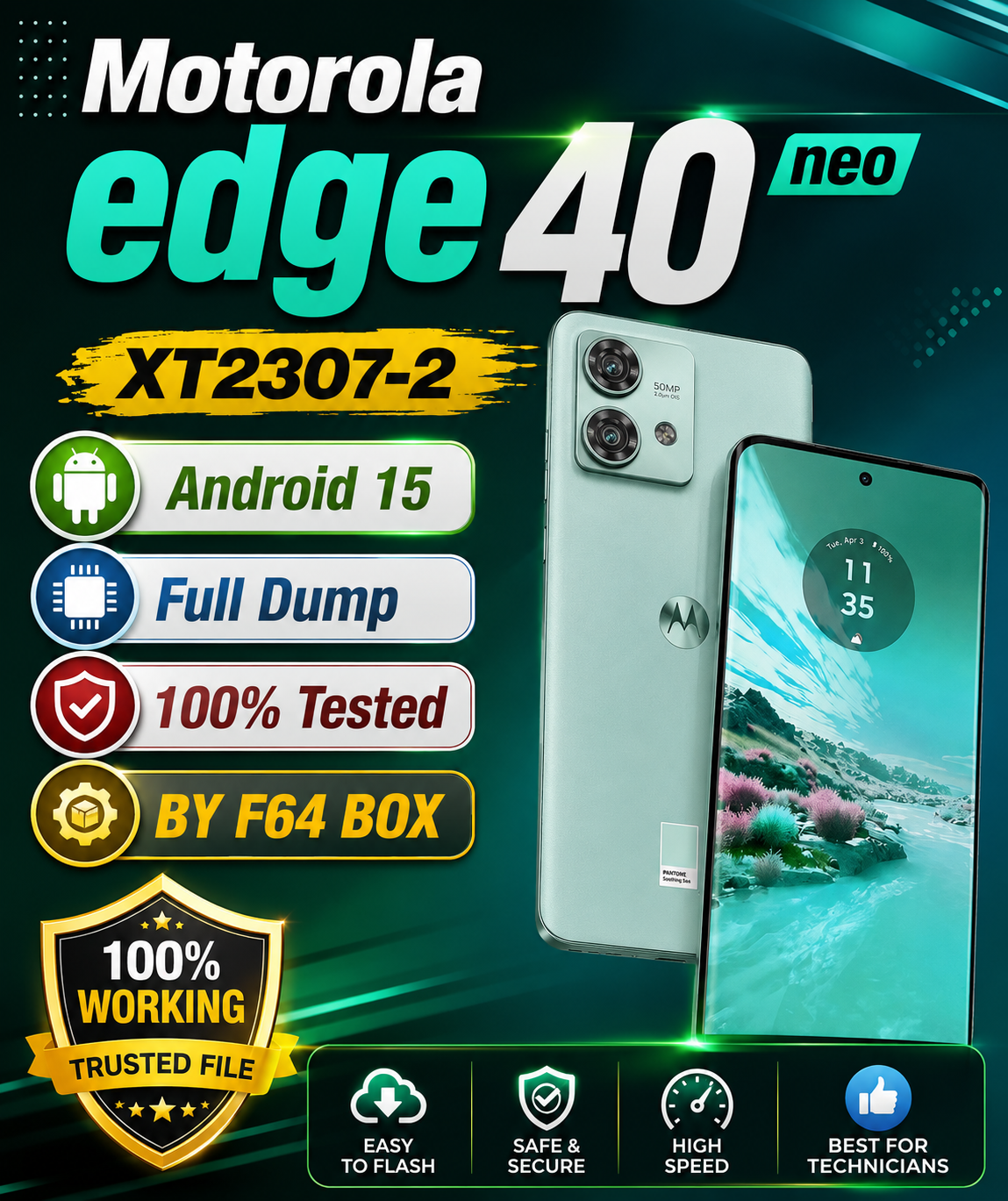
Motorola Edge 40 Neo XT2307-2 Full Dump File
Motorola Edge 40 Neo XT2307-2
Android 15 Full Dump File
BY F64 BOX
100% Tested File
Download & Repair Software Solution for Motorola Edge 40 Neo XT2307-2.
Model: XT2307-2
Android: 15
File Type: Full Dump
Tool: F64 BOX
Status: Tested File
Download Motorola edge 40 neo XT2307-2 Android 15 Full Dump

Device & Dump Specifications
- Brand: Motorola
- Model: Moto Edge 40 Neo
- Model Number: XT2307-2
- Chipset: MediaTek Dimensity 7030 (MT6855)
- Storage Type: UFS 2.2 / eMMC (Dual ISP Pinout compatible)
- OS Version: Android 15 (Official Motorola Firmware)
- Supported Tool: F64 Box / F64 Ultra Programmer (ISP / High-Speed UFS-eMMC Reader)
Included Partitions & Contents
- Bootloader / Preloader Files:
preloader_*.bin,boot.img,init_boot.img - Radio / Modem (Security):
nvram,nvdata,protect1,protect2,sec1 - System & Vendor Partitions:
super.img,vbmeta.img,vbmeta_system.img,vbmeta_vendor.img - Config & Base:
dtbo.img,vendor_boot.img,logo.bin - FRP / User Area:
frp,userdata(zeroed/cleaned)
Step-by-Step Read/Write via F64 Box
- Hardware Connection (ISP / Socket):
- Disconnect the battery and power sources.
- Solder the ISP Pinout wires (
CLK,CMD,DAT0,VCC,VCCQ,GND) or use the appropriate FPC / UFS socket adapter. - Keep the ground and data wire lengths as short as possible to prevent signal noise.
- Detection & Setup:
- Open the F64 Box Software Interface.
- Select MediaTek (MT6855) or auto-detect via ISP Mode.
- Click Connect / Check Device and verify the storage block information, health report, and partition table (GPT).
- Dump / Flashing Process:
- To Backup/Read: Check
Read Full ROMor manually selectLUN0/User Area(512MB / 1GB min for dead boot fix + Security partitions). - To Write/Restore: Load the scatter / XML configuration, map the dump files to the corresponding partitions, and click Write Selected.
- Ensure
nvramandnvdataare preserved to retain original IMEI and baseband configurations.
- To Backup/Read: Check
- Post-Flash Steps:
- Disconnect ISP lines, clean flux residues from PCB.
- Reconnect battery and power on the device.
- Perform a factory wipe via Recovery if stuck on bootloop.