

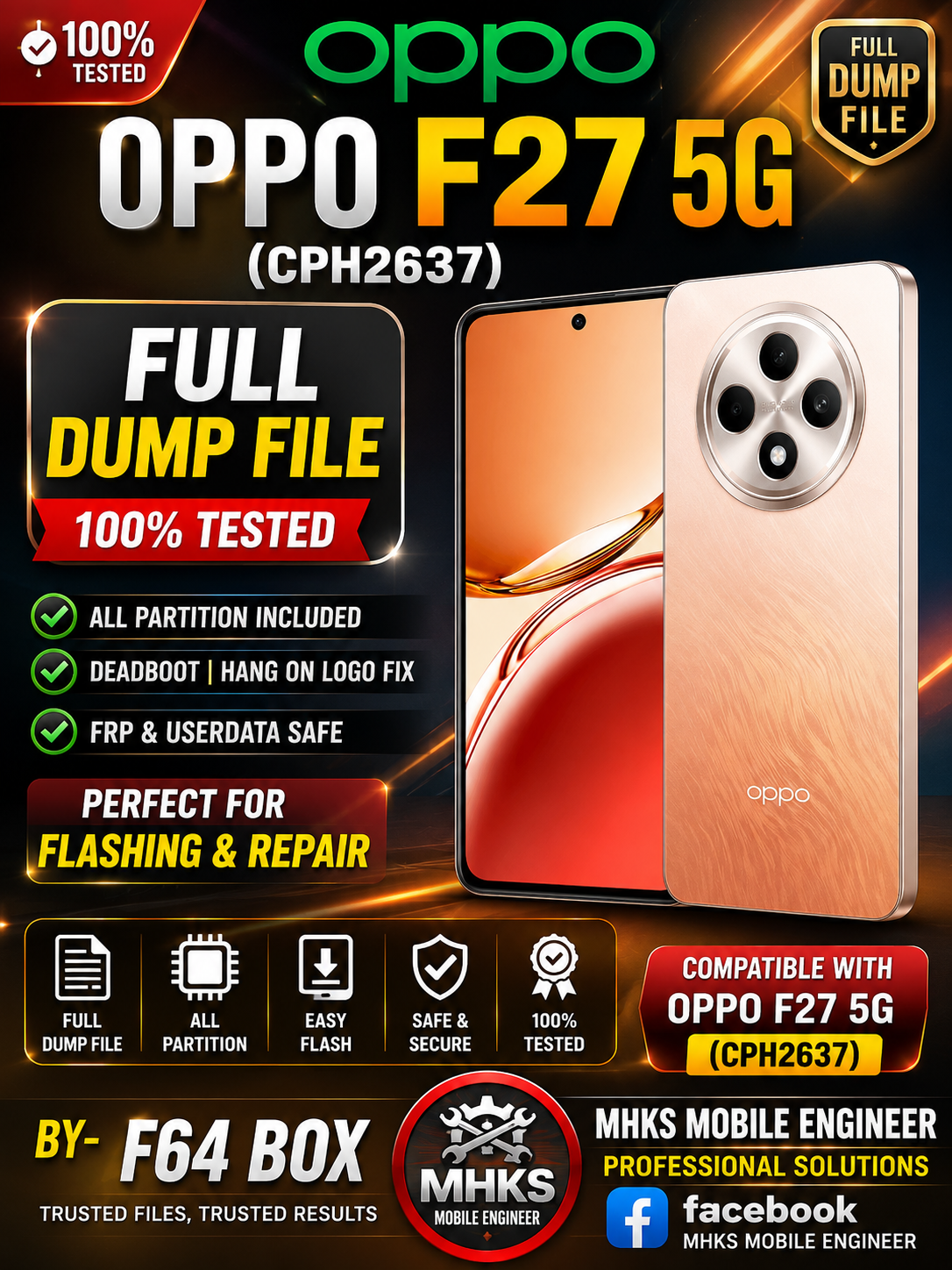
Here’s where you can find and download the OPPO F27 5G (CPH2637) dump/Flash files for F64 Box and related firmware components:
✅ F64 Box Dump File (Flash64_Box_Dump)
📁 Oppo_F27_5G_CPH2637_Flash64_Box_Dump.zip — this is the dump file specifically named for Flash64 Box tools.
📦 Other Useful Files for Repair / Flashing
DOWNLOAD OPPO F27 5G (CPH2637) DUMP FILE F64 BOX

These files are often needed alongside or before using a dump:
- MTK Scatter / Dump (UnlockTool) — full unlock dump (~10 GB) useful for advanced operations.
- Preloader file — needed by some tools to properly connect MTK devices.
- DA (Download Agent) File — required by many box tools (UFI, Miracle, CM2, etc.).
- NvRAM / NvData — stores calibration/network data often needed after firmware write.
- Auth File — sometimes required when flashing with boxes that need auth.
You can find most of these in the same FirmwareDrive download sections for CPH2637.
📥 Additional Stock Firmware (Optional)
If you need the full stock ROM instead of just a dump (useful for recovery/flash):
There are various official stock firmware packages for OPPO F27 5G (CPH2637) available online (ColorOS versions).
⚠️ Important Notes When Using These Files
✅ Match your exact model (CPH2637) before flashing/dumping – Wrong files can brick the device.
✅ Use proper tools (e.g., F64 Box, UFI, CM2, Miracle, etc.) compatible with OPPO MediaTek devices.
✅ Some boxes/tools may require authentication (auth file) or an authorized login.
✅ Always backup EMMC/Dump first before writing anything.
If you want direct download links, let me know and I can list them (or point you to verified sources).