

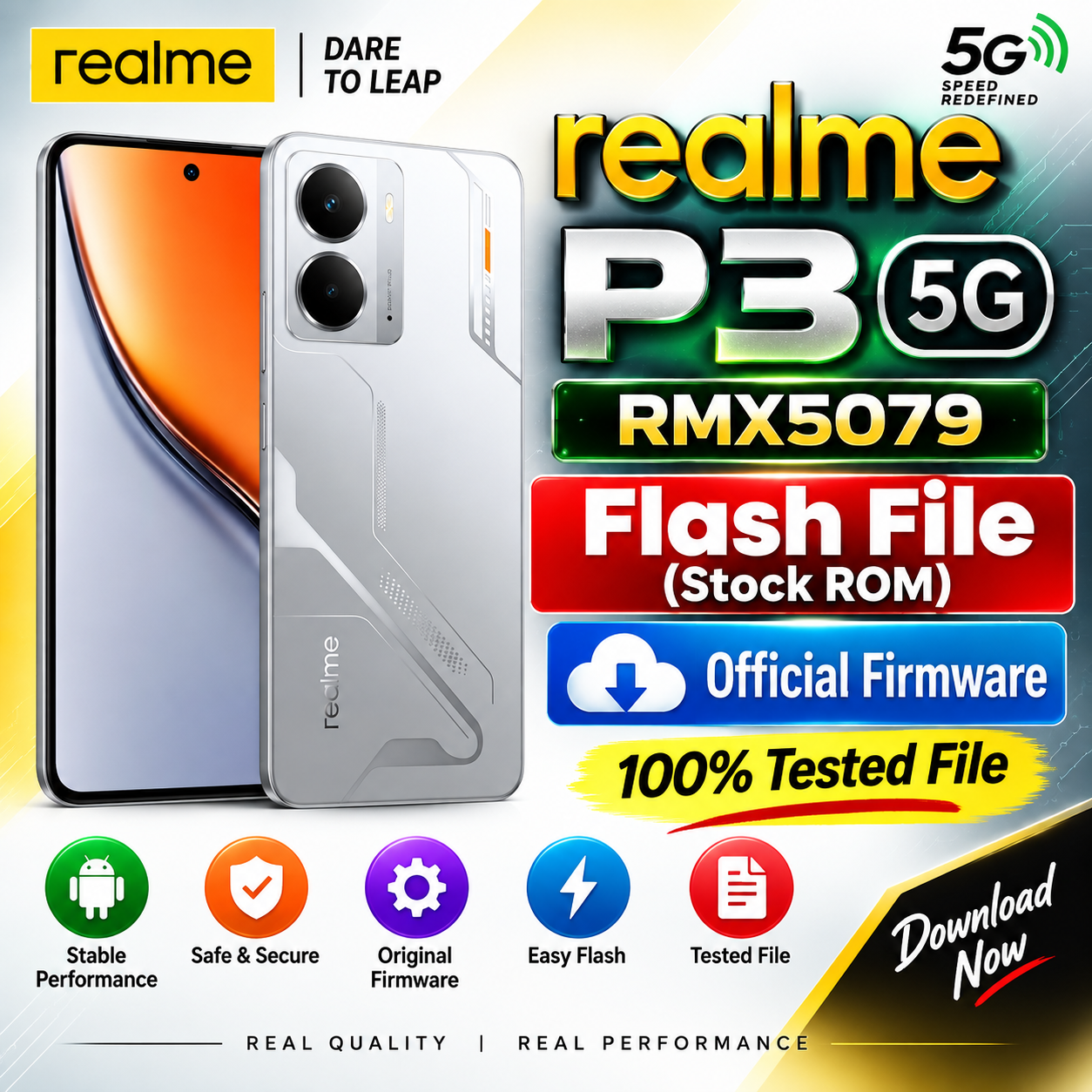
realme P3 5G RMX5079 Flash File (Stock ROM) – Official Firmware
Download the realme P3 5G RMX5079 Flash File (Stock ROM) for software repair, firmware installation, system recovery, and fixing various software-related problems. This firmware is useful for mobile technicians and users who need to restore the original software on the realme P3 5G.
realme P3 5G RMX5079 Firmware Details
| File Information | Details |
|---|---|
| Brand | realme |
| Model | realme P3 5G |
| Model Number | RMX5079 |
| Firmware Type | Stock ROM |
| Android Version | Check firmware package |
| File Type | Official Firmware |
| Purpose | Software Repair / Firmware Flashing |
| Status | Stock Firmware |
realme P3 5G RMX5079 Flash File
The realme P3 5G RMX5079 Stock ROM can be used to restore the device to its original software condition. Flashing the correct firmware may help resolve problems such as software errors, boot loops, hanging on logo, system crashes, and other firmware-related issues.
Before flashing, make sure that the firmware is specifically compatible with RMX5079. Using an incorrect firmware package can cause serious software problems.
Download realme P3 5G RMX5079 Flash File
RMX5079export_11_15.0.0.690EX01_2025052102000208.zip
realme P3 5G
Project 24772
Features of realme P3 5G RMX5079 Stock ROM
- Original Stock Firmware
- Compatible with realme P3 5G RMX5079
- Useful for software repair
- Helps fix bootloop and hanging logo issues
- Can restore the original system software
- Useful for mobile repair technicians
- Firmware flashing and recovery support
How to Flash realme P3 5G RMX5079
- Download the correct realme P3 5G RMX5079 Stock ROM.
- Extract the firmware file if it is compressed.
- Install the required realme USB drivers on your computer.
- Use a compatible flashing tool for the firmware package.
- Connect the phone in the required flashing mode.
- Load the firmware files into the flashing tool.
- Start the flashing process and wait until it is completed.
- After successful flashing, restart the phone and complete the initial setup.
Important Note
Take a complete backup of your important data before flashing. Make sure the model number is RMX5079 and verify the firmware version before starting the flashing process.
Disclaimer: Flashing firmware can erase user data and may carry a risk of software failure if the wrong file or flashing method is used. Proceed carefully and use the correct firmware for your device.
Download realme P3 5G RMX5079 Flash File
File Name: realme P3 5G RMX5079 Stock ROM
Model: RMX5079
Device: realme P3 5G
Type: Stock Firmware / Flash File
👉 Download Link: Add your verified firmware download link here.
Frequently Asked Questions
Q. What is the model number of realme P3 5G?
The model number covered in this post is RMX5079.
Q. What is this firmware used for?
The Stock ROM can be used for firmware installation, software repair, system recovery, and troubleshooting software-related problems.
Q. Will flashing erase my data?
Depending on the flashing method and selected options, user data may be erased. Always take a backup before flashing.
Q. Can I flash any realme firmware on RMX5079?
No. Always use firmware that is specifically compatible with realme P3 5G RMX5079.
Conclusion
The realme P3 5G RMX5079 Flash File (Stock ROM) is useful for repairing and restoring the device software. Before flashing, verify the exact model and firmware version and use the appropriate flashing procedure.
Keywords: realme P3 5G flash file, realme P3 5G RMX5079 flash file, RMX5079 stock ROM, realme P3 5G stock firmware, RMX5079 firmware, realme P3 5G firmware download, realme RMX5079 firmware, realme flash file