

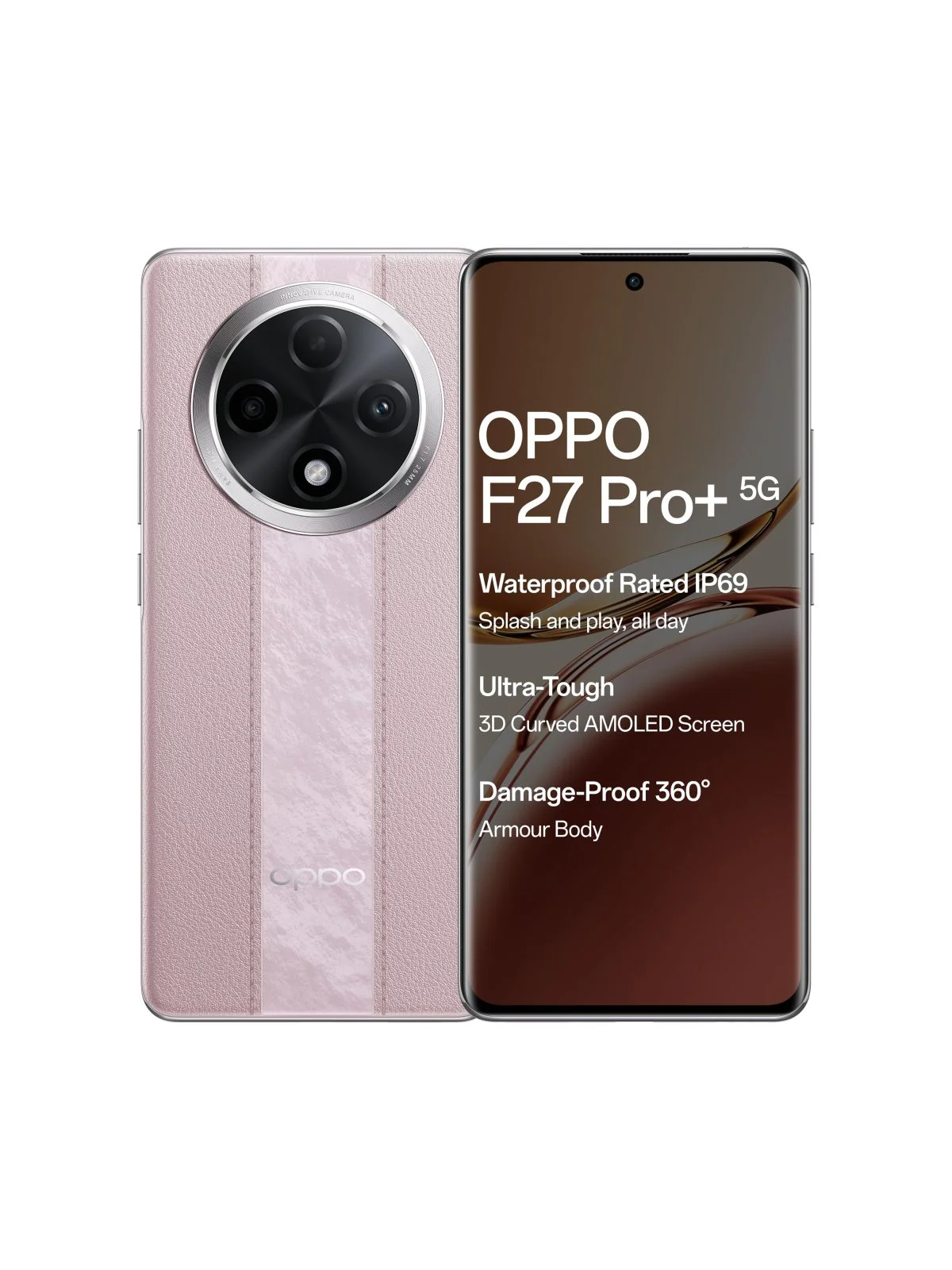
You’re referring to a full dump (EMMC/UFS dump) for OPPO F27 Pro+ 5G CPH2643, specifically one read/tested by F64 Box. Here’s a clear explanation + what you should know 👇
📦 About the File You Mentioned
- File name (example):
Oppo_F27_Pro_Plus_CPH2643_Flash64_F64_Box_Dump.zip - Size: around 11GB
- Type: Full dump (Readback)
- Tool used: F64 / Flash64 Box
👉 These dumps are usually extracted directly from a working device and include:
- Full partition (preloader, boot, system, userdata, etc.)
- Security partitions (may or may not be clean)
- Useful for dead boot repair / EMMC replace / UFS write
Download OPPO F27 Pro+ 5G CPH2643IN Full Dump

🔧 What It’s Used For
A full dump like this is mainly for advanced repair:
✔ Dead phone (no boot / no recovery)
✔ After wrong flashing / format all
✔ UFS/EMMC replaced devices
✔ Fix baseband / IMEI null (sometimes)
✔ Deep-level software repair (beyond normal flash)
⚠️ Important Warnings
- ❌ Not for normal flashing (use stock ROM instead)
- ❌ Can brick device permanently if wrong write
- ❌ May contain security/IMEI data of another phone
- ❌ Requires professional tools (F64, UFI, EasyJTAG, UnlockTool)
🆚 Dump vs Normal Flash File
| Type | Use Case |
|---|---|
| Stock ROM / Flash File | Normal software issues, bootloop |
| Full Dump (F64) | Dead boot / hardware-level repair |
👉 Example: Official firmware is used for fixing software issues like bootloops, FRP, etc.
📥 Other Available Variants
You may also find:
- UnlockTool dump (~7GB)
- Readback dump (~1.6GB compressed)
- UFS dead-boot fixed dumps
▶️ Example (How It Looks / Used)
💡 My Advice
If you’re:
- 🔹 Beginner / normal user → Use official firmware only
- 🔹 Mobile technician → Dump is useful but:
- Always backup original data
- Use correct scatter / config
- Avoid writing NV/security partitions blindly
❓ If You Need Help
Tell me:
- Your problem (dead, logo, FRP, no boot, etc.)
- Tool you have (UnlockTool, UFI, Hydra, etc.)
I can guide you step-by-step safely 👍