

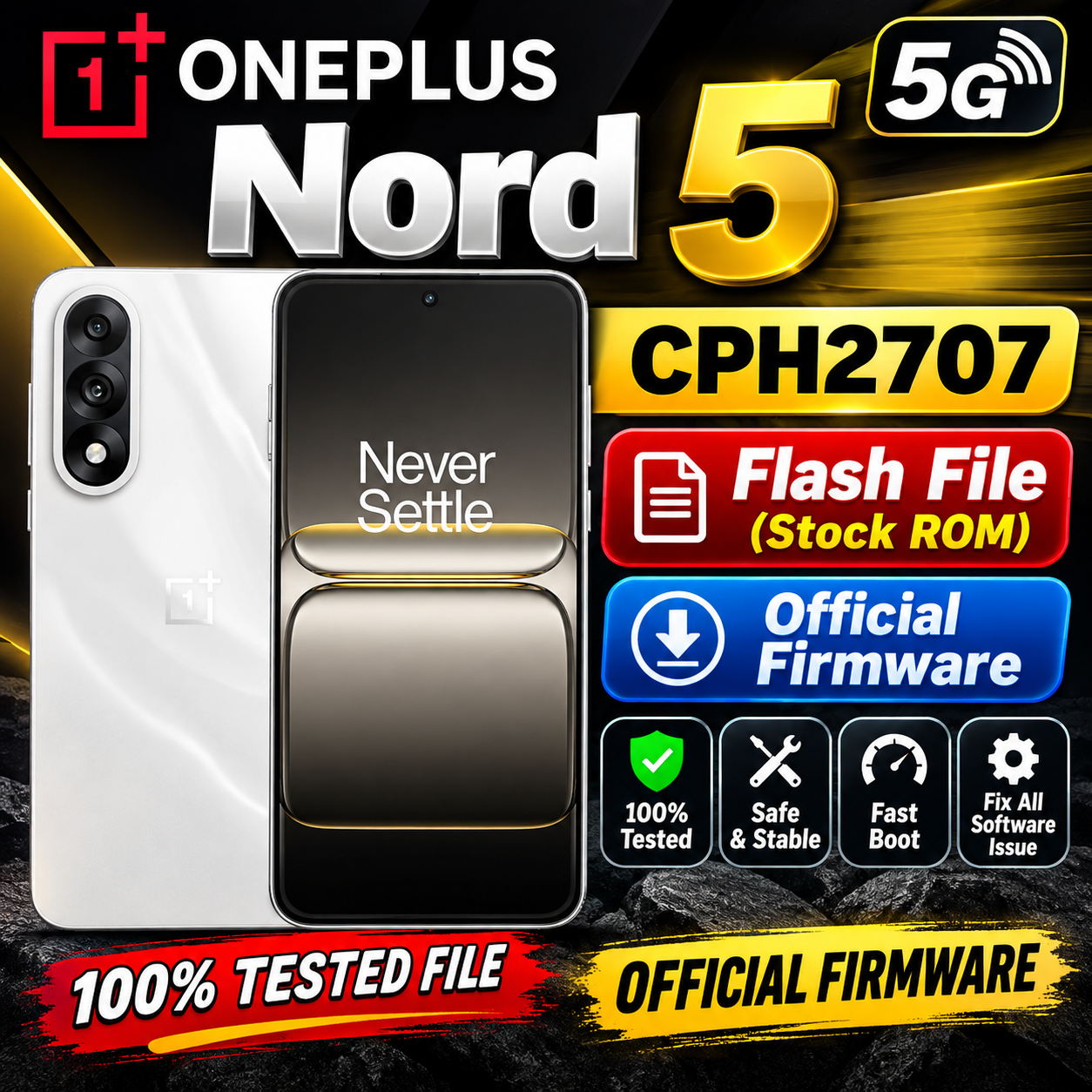
OnePlus Nord 5 5G CPH2707 Flash File (Stock ROM) – Official Firmware
Looking for the OnePlus Nord 5 5G CPH2707 Flash File / Stock ROM? On this page, you can find information about the official firmware, stock ROM, and software repair process for the OnePlus Nord 5 5G.
The stock firmware can be useful for mobile technicians and advanced users who need to repair software-related problems such as boot loops, software errors, system crashes, or failed software updates.
OnePlus Nord 5 5G CPH2707 Flash File
Device Name: OnePlus Nord 5 5G
Model Number: CPH2707
Firmware Type: Stock ROM / Official Firmware
Network: 5G
Brand: OnePlus
Android Version: Check the firmware package before flashing
File Type: Official Stock Firmware
Download OnePlus Nord 5 5G CPH2707 Flash File (Stock ROM)
CPH2707export_11_15.0.2.604EX01_2025110511220204
Phone Name = OnePlus Nord 5 5G
Project No = 24881
Why Do You Need OnePlus Nord 5 CPH2707 Stock ROM?
The official Stock ROM may help to resolve various software-related issues, including:
- OnePlus Nord 5 CPH2707 boot loop problem
- Stuck on OnePlus logo
- Software crash or system error
- Failed OTA update
- System instability
- Corrupted system files
- Software-related hanging problems
- Recovery from certain failed flashing procedures
OnePlus Nord 5 5G CPH2707 Firmware
Before flashing any firmware, make sure that the firmware package is specifically compatible with OnePlus Nord 5 5G CPH2707. Using an incorrect firmware file can cause serious software problems.
Always check the region, build number, Android version, and firmware variant before starting the flashing process.
How to Flash OnePlus Nord 5 5G CPH2707
The flashing procedure depends on the firmware package and the supported OnePlus flashing method.
Basic Steps
- Download the correct OnePlus Nord 5 5G CPH2707 Stock ROM.
- Extract the firmware package if it is compressed.
- Install the required USB drivers on your computer.
- Back up important user data whenever possible.
- Boot the phone into the appropriate software/recovery mode.
- Use the correct official or compatible flashing method for the firmware package.
- Select the required firmware files.
- Start the flashing process.
- Wait until the process is completed successfully.
- Restart the device and allow the first boot to complete.
Important: Flashing firmware can erase user data and may carry a risk of software failure if an incorrect file or method is used. Proceed carefully and use firmware intended specifically for your device variant.
Download OnePlus Nord 5 5G CPH2707 Flash File
The correct firmware should always be downloaded from a trusted and reliable source. Before downloading, verify the model number CPH2707 and compare the firmware build and region with your device.
OnePlus Nord 5 5G CPH2707 Stock ROM – Conclusion
The OnePlus Nord 5 5G CPH2707 Stock ROM is useful for software repair and restoring the device to an official firmware environment. Always use the correct firmware version and follow the appropriate flashing procedure to avoid unnecessary problems.
If you are a mobile repair technician, keep the exact CPH2707 model number and firmware build information in mind before starting any software repair.
Keywords
OnePlus Nord 5 5G CPH2707 Flash File, OnePlus Nord 5 Stock ROM, OnePlus Nord 5 5G Firmware, CPH2707 Firmware, OnePlus CPH2707 Flash File, OnePlus Nord 5 Software, OnePlus Nord 5 Firmware Download, OnePlus Nord 5 Stock Firmware, CPH2707 Stock ROM, OnePlus Nord 5 5G Software Repair
Disclaimer
This website does not guarantee that every firmware package is compatible with every regional variant. Always verify the model number, build number, region, and firmware version before flashing. Flashing firmware is performed at your own risk.