

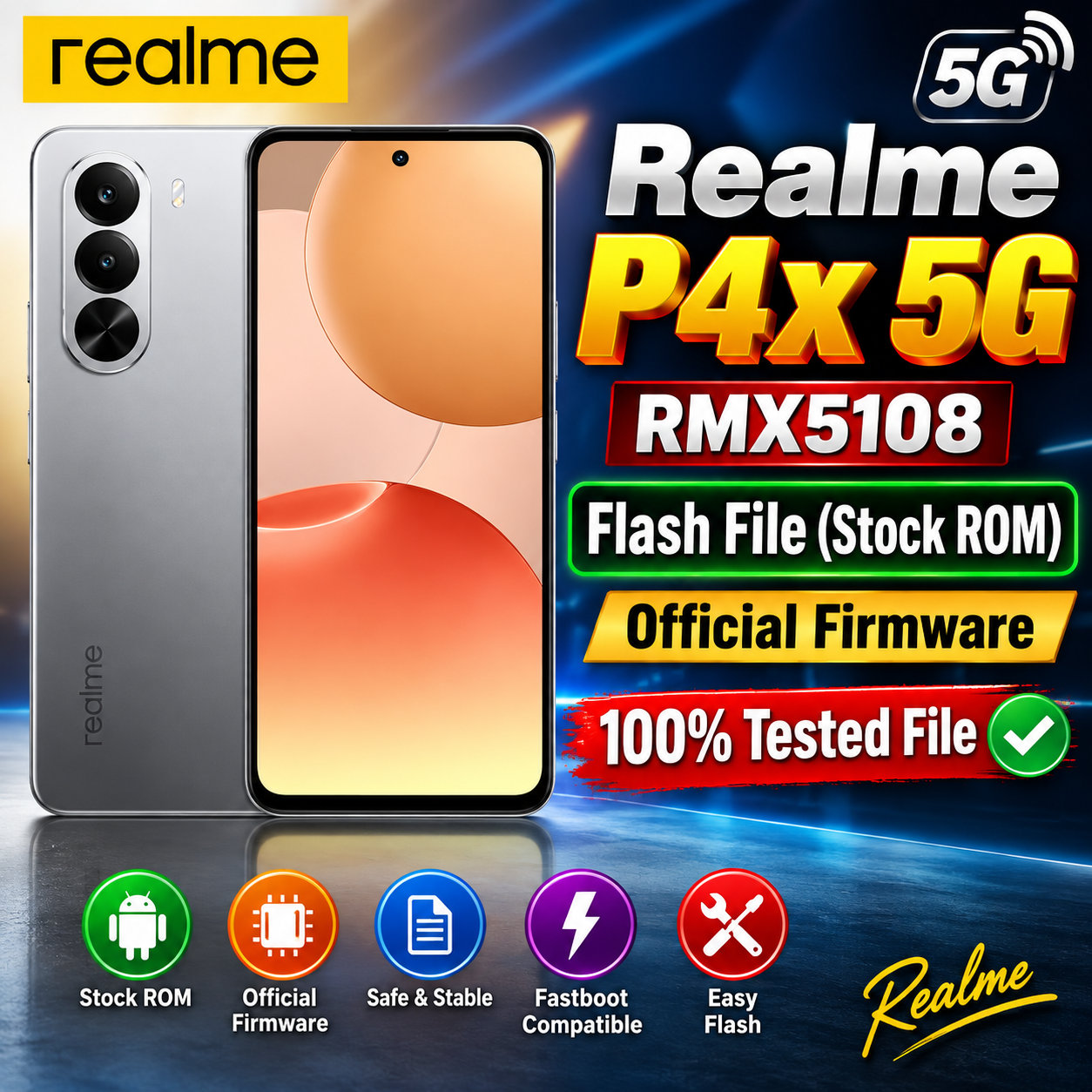
Realme P4x 5G RMX5108 Flash File (Stock ROM) – Official Firmware
Looking for the Realme P4x 5G RMX5108 Flash File (Stock ROM)? On this page, you can find firmware information and flashing guidance for the Realme P4x 5G RMX5108.
The stock ROM can be useful for repairing software-related problems such as bootloop, system errors, software corruption, hanging on the Realme logo, and other firmware-related issues.
Download Realme P4x 5G RMX5108 Flash File (Stock ROM)
RMX5108export_11_15.0.2.750EX01_2026010420460155
Phone Name = Realme P4x 5G
Project Number: 25680
Realme P4x 5G RMX5108 Firmware Information
| Firmware Details | Information |
|---|---|
| Device Name | Realme P4x 5G |
| Model Number | RMX5108 |
| Device Type | Smartphone |
| Firmware Type | Stock ROM |
| Android Version | Check the firmware package before flashing |
| Processor | Verify according to the specific firmware/build |
| Region | Verify before flashing |
| File Format | Firmware package |
| Status | Stock Firmware |
Why Flash Realme P4x 5G RMX5108 Stock ROM?
Installing the correct stock firmware may help resolve several software problems, including:
- Realme P4x 5G stuck on logo
- Bootloop problem
- Software corruption
- System crash or instability
- Failed software update
- Slow or hanging device caused by software issues
- Firmware-related errors
- Recovery from certain failed flashing attempts
Important Before Flashing
Before flashing the Realme P4x 5G RMX5108, make sure that you have selected the exact model and correct firmware/build for your device.
Important: Flashing the wrong firmware can cause serious software problems or potentially brick the device. Always verify the model number, region, build number, and firmware compatibility before proceeding.
Recommended Precautions
- Back up important personal data whenever possible.
- Charge the phone sufficiently before starting the flashing process.
- Use a good-quality USB cable.
- Install the required Realme/MediaTek USB drivers if applicable.
- Use a compatible flashing tool and the correct firmware package.
- Do not disconnect the phone during the flashing process.
- Follow the flashing pro