

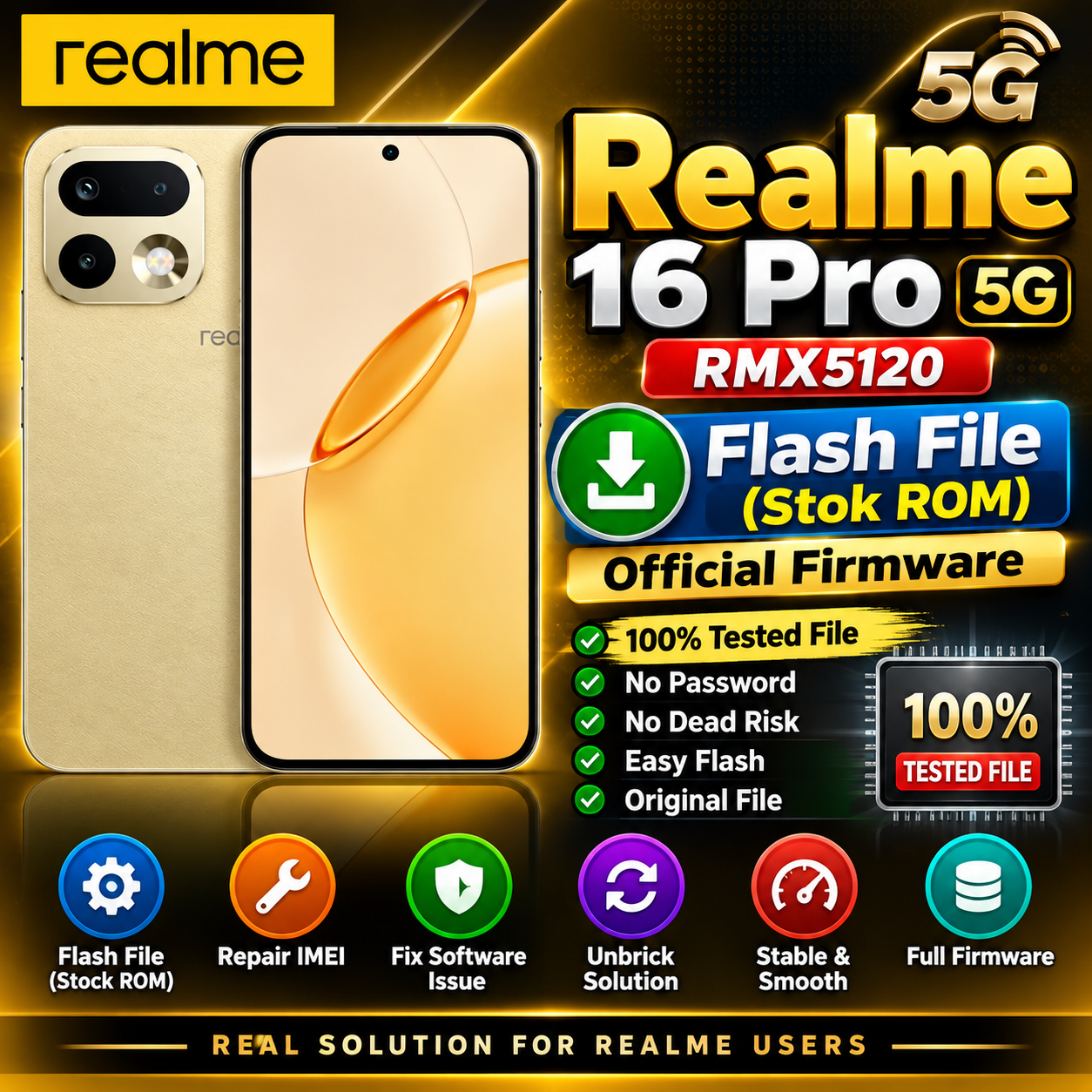
Realme 16 Pro 5G RMX5120 Flash File (Stock ROM)
Looking for the Realme 16 Pro 5G RMX5120 Flash File / Stock ROM? On this page, you can find useful information about the official stock firmware for the Realme 16 Pro 5G. This firmware can be useful for mobile technicians and advanced users for software-related problems.
Realme 16 Pro 5G RMX5120 Firmware
The Realme 16 Pro 5G RMX5120 Stock ROM is the official firmware designed for the Realme 16 Pro 5G. Installing the correct firmware may help resolve various software issues such as boot loops, system errors, software crashes, and other firmware-related problems.
Download Realme 16 Pro 5G RMX5120 Flash File
RMX5120export_11_16.0.1.312(EX01)_2025122403170000.zip
 Phone- realme 16 Pro 5G
Project no-  25693
File Information
| Information | Details |
|---|---|
| Brand | Realme |
| Model | Realme 16 Pro 5G |
| Model Number | RMX5120 |
| Firmware | Stock ROM |
| File Type | Official Firmware |
| Android Version | Check firmware package |
| Processor | Check firmware package |
| Region | Check firmware package |
| Status | Firmware File |
| File Format | ZIP / Firmware Package |
Why Install Realme 16 Pro 5G RMX5120 Stock ROM?
Stock ROM installation can be useful when the phone has software-related problems. Depending on the firmware package and supported flashing method, it may help with:
- Boot Loop / Stuck on Logo
- Software Errors
- System Crash
- Failed Software Update
- Firmware Corruption
- Hanging or Slow Performance
- Recovery from Certain Software Problems
- Clean Software Installation
Realme 16 Pro 5G RMX5120 Flash File
Before flashing the device, make sure that the firmware is specifically compatible with RMX5120. Using an incorrect firmware file can cause serious software problems or may make the device unable to boot.
Always check the model number, region, software version, and firmware build before starting the flashing process.
How to Flash Realme 16 Pro 5G RMX5120
- Download the correct Realme 16 Pro 5G RMX5120 firmware.
- Extract the firmware package if required.
- Install the required Realme USB drivers on your computer.
- Use a compatible and supported flashing tool or service method.
- Connect the phone to the computer using a good-quality USB cable.
- Select the correct firmware files.
- Start the flashing process and wait until it is completed.
- Do not disconnect the phone during the flashing process.
- After flashing, allow the device to restart and complete the first boot.
Important Notes
- Take a backup of important data before flashing whenever possible.
- Verify the exact model number: RMX5120.
- Use only a firmware package intended for your device and region.
- Make sure the battery has sufficient charge.
- Flashing firmware incorrectly can cause data loss or software problems.
- Some flashing methods may require authorized tools or service access.
Realme 16 Pro 5G RMX5120 Stock ROM Download
If you are a mobile repair technician looking for the Realme 16 Pro 5G RMX5120 Flash File, download only a verified and compatible firmware package.
Download: [Add Your Realme 16 Pro 5G RMX5120 Flash File Download Link Here]
Conclusion
The Realme 16 Pro 5G RMX5120 Stock ROM / Flash File can be useful for resolving supported software and firmware-related problems. Before flashing, carefully verify the device model, firmware version, and region to avoid compatibility issues.
Keywords: Realme 16 Pro 5G Flash File, Realme 16 Pro RMX5120 Flash File, RMX5120 Stock ROM, Realme 16 Pro 5G Stock ROM, RMX5120 Firmware, Realme 16 Pro 5G Firmware, Realme Flash File, Realme RMX5120 Firmware Download