

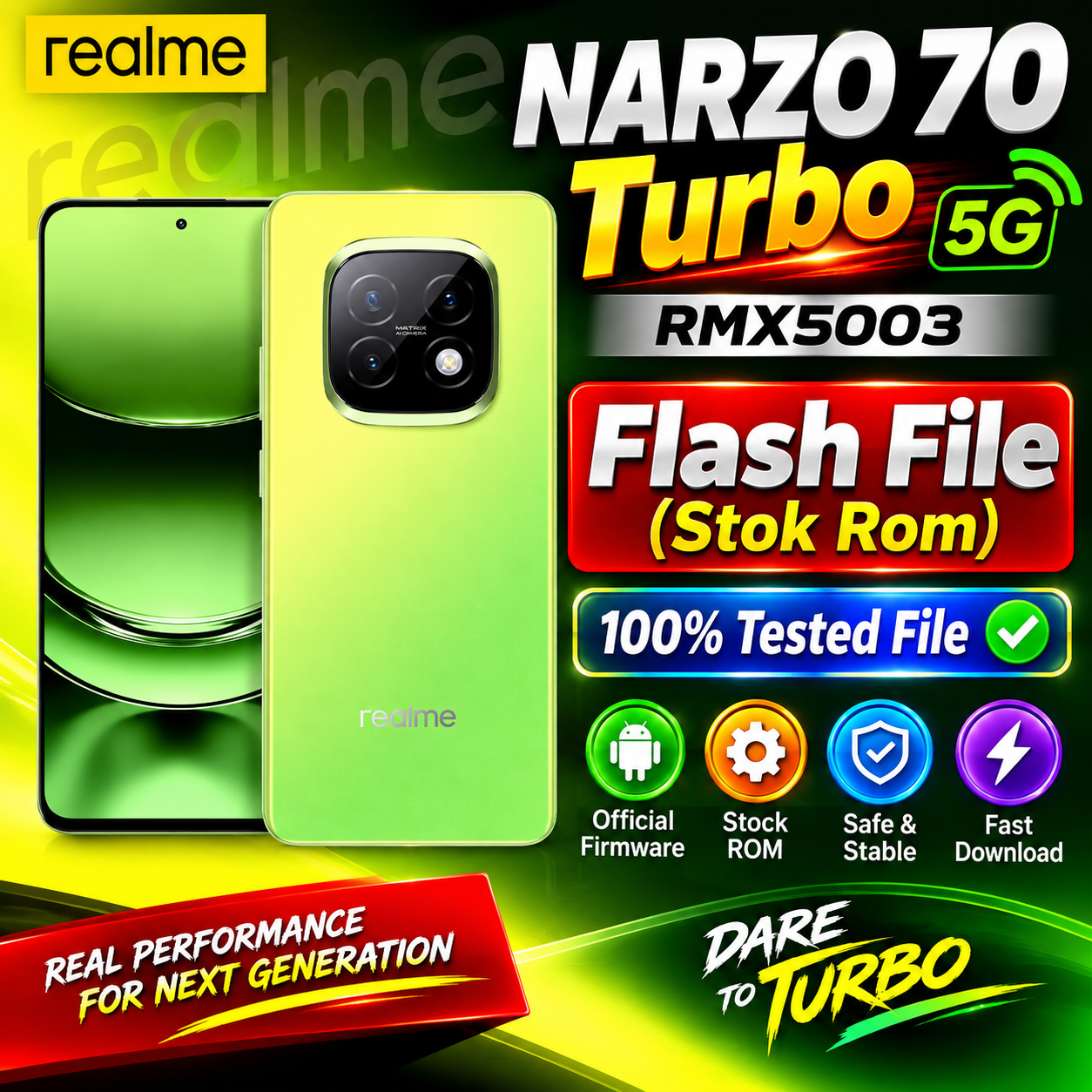
Realme NARZO 70 Turbo 5G RMX5003 Flash File (Stock ROM)
If you are looking for the Realme NARZO 70 Turbo 5G RMX5003 Flash File, you are in the right place. In this post, you can find information about the official Stock ROM/Firmware for the Realme NARZO 70 Turbo 5G RMX5003.
The stock firmware can be useful for mobile technicians and advanced users for repairing software-related problems such as boot loop, stuck on logo, system errors, software corruption, and other firmware-related issues.
Download Realme NARZO 70 Turbo 5G RMX5003 Flash File
RMX5003export_11_15.0.0.1360EX01_2025120920430000.zip
realme NARZO 70 Turbo 5G
Project 24703
Realme NARZO 70 Turbo 5G RMX5003 Firmware Details
| File Information | Details |
|---|---|
| Brand | Realme |
| Model | Realme NARZO 70 Turbo 5G |
| Model Number | RMX5003 |
| Firmware Type | Stock ROM |
| File Type | Official Firmware |
| Device Type | Android Smartphone |
| Purpose | Software Repair / Firmware Update |
| Status | Stock Firmware |
Why Use Realme NARZO 70 Turbo RMX5003 Flash File?
The Realme NARZO 70 Turbo 5G RMX5003 Stock ROM may be required when the phone has software-related issues, including:
- Phone stuck on Realme logo
- Boot loop problem
- Software hanging
- System crash or errors
- Failed software update
- Firmware corruption
- Performance-related software problems
- Recovery from certain software failures
Realme NARZO 70 Turbo 5G RMX5003 Stock ROM
Before flashing the device, make sure that you have downloaded the correct firmware for RMX5003. Using firmware intended for another model or region can cause serious software problems.
Always verify the exact model number and firmware version before starting the flashing process.
How to Flash Realme NARZO 70 Turbo 5G RMX5003
- Download the correct Realme NARZO 70 Turbo 5G RMX5003 Stock ROM.
- Back up important user data if the phone is accessible.
- Install the required Realme USB drivers on your computer.
- Use a compatible and trusted flashing method/tool for the firmware package.
- Connect the phone to the computer in the required mode.
- Select the correct firmware file.
- Start the flashing process and wait until it is completed.
- After flashing, allow the phone to boot normally.
Important: Flashing firmware can erase user data and an incorrect firmware package can potentially brick the device. Proceed only if you understand the flashing procedure.
Download Realme NARZO 70 Turbo 5G RMX5003 Flash File
File: Realme NARZO 70 Turbo 5G RMX5003 Stock ROM
Firmware: Official Stock ROM
Model: RMX5003
Conclusion
The Realme NARZO 70 Turbo 5G RMX5003 Flash File (Stock ROM) can be useful for software repair and firmware-related troubleshooting. Always use the firmware that exactly matches your device model and follow the appropriate flashing procedure.
For more Realme Flash Files, Stock ROMs, Dump Files, ISP Pinouts and Mobile Repair Tools, keep visiting our website.
SEO Keywords
Realme NARZO 70 Turbo 5G RMX5003 Flash File, Realme NARZO 70 Turbo Stock ROM, RMX5003 Firmware, RMX5003 Flash File, Realme RMX5003 Firmware Download, Realme NARZO 70 Turbo 5G Firmware, Realme Stock ROM, Realme Flash File, RMX5003 Stock Firmware, Realme NARZO 70 Turbo Software Update
Meta Title
Realme NARZO 70 Turbo 5G RMX5003 Flash File (Stock ROM)
Meta Description
Download Realme NARZO 70 Turbo 5G RMX5003 Flash File Stock ROM. Get firmware information and flashing guide for Realme RMX5003 software repair.
Suggested URL Slug
realme-narzo-70-turbo-5g-rmx5003-flash-file-stock-rom