

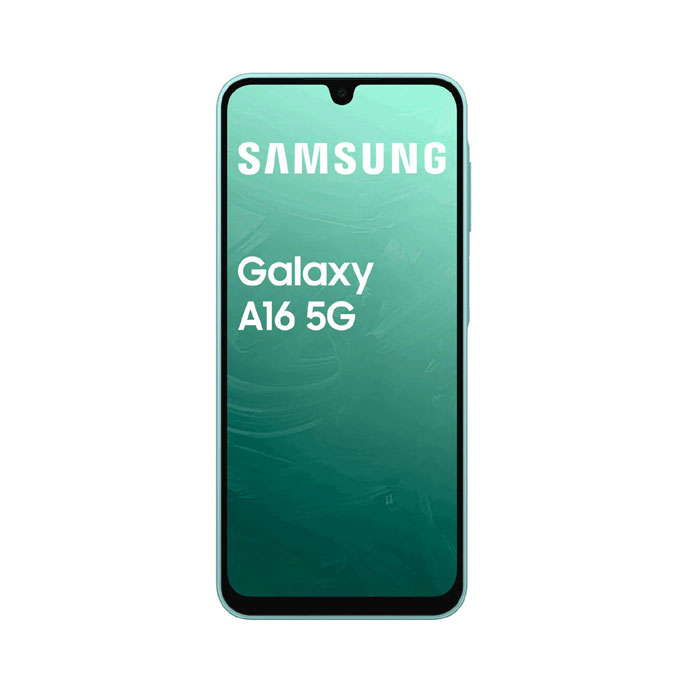
It looks like you’re searching for Samsung A16 5G SM-A166P Full Dump (for F64 Box / ISP / UFS work). Let me clarify what’s actually available and how it works 👇
🔧 What “Full Dump” Means
A full dump (UFS dump) is a complete read of the phone’s storage (boot + system + userdata, etc.) used for:
- Dead boot repair
- FRP / KG unlock (in some cases)
- IMEI / baseband repair (advanced)
- ISP (direct eMMC/UFS pinout work)
⚠️ These are not official Samsung files — they are taken from working devices.
📦 Availability for SM-A166P
- Official Samsung only provides stock firmware (BL, AP, CP, CSC) — not full dump files
- Firmware like:
- A166PXXU5CYI8 (Android 16)
- A166PXXU4BYE5 (Android 15)
👉 These are 4/5-file ROMs, not full ISP dumps.
Download Samsung A16 5G SM-A166P Full Dump By F64 Box

🧰 F64 Box Support (Reality)
From current repair community + tools:
- F64 Box can be used for:
- ISP pinout read/write
- FRP / KG unlock (depending on security)
- But:
❌ No publicly verified free full dump for A166P widely available
✔ Mostly paid dumps or private server access
🎥 Example (F64 Box Use)
Here’s a working example of FRP / ISP-related operation on this model:
📥 Alternatives (Recommended)
If you don’t strictly need a full dump, use stock firmware:
✔ Stock Firmware (Safe Method)
- Flash via Odin
- Files: BL + AP + CP + CSC
- Fixes:
- Bootloop / soft brick
- Software issues
- System corruption
⚠️ Important Warning
- Wrong dump = dead UFS / permanent damage
- Binary mismatch (A166P vs A166B etc.) = no boot
- New security (Android 15/16) blocks many old dump tricks
👍 If You Need Exact File
Tell me:
- Binary (example: U1, U2, U5)
- Android version (14 / 15 / 16)
- Issue (dead, FRP, no network, etc.)
👉 I can help you find:
- Correct firmware
- Working method (F64 / ISP / test point)
- Or check if a real full dump exists for your case
Right now, public “Samsung A16 5G SM-A166P full dump for F64 Box” is not officially available—mostly private/paid.