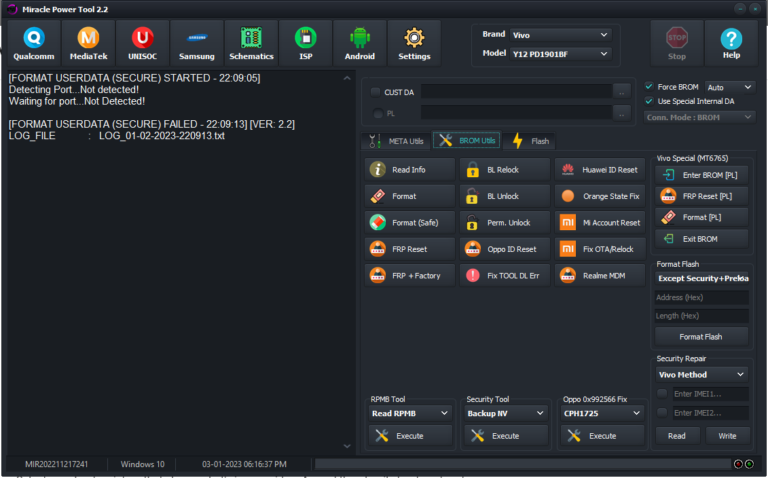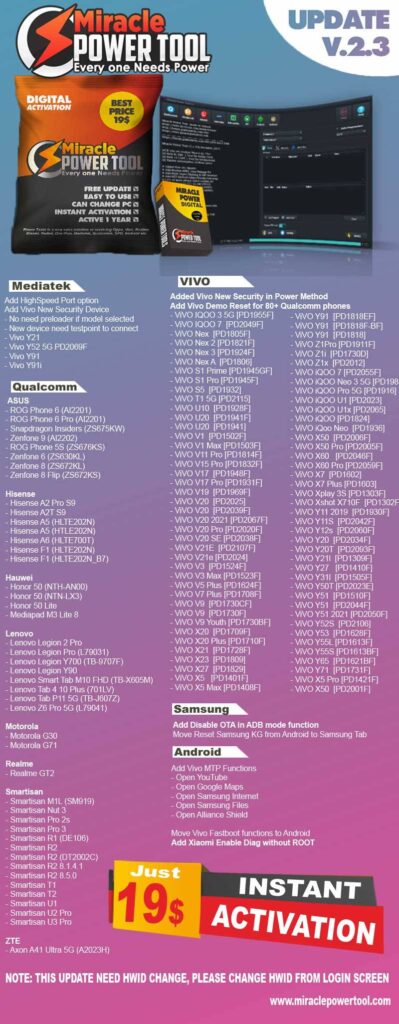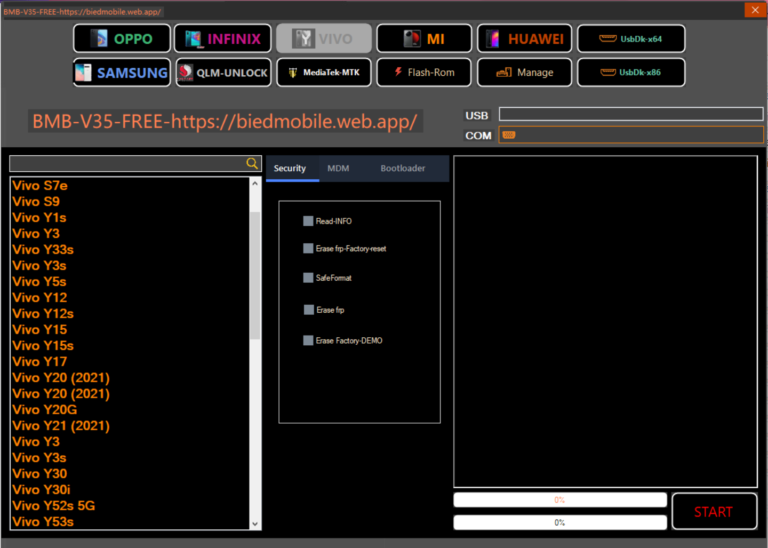
BMB Qualcomm MTK Tool is a free simple latest Windows software that supports MTK Qualcomm powered phones to Erase FRP, Remove Pattern Password Pin, Format, Factory Reset, Erase Vivo Demo mode, unlock Bootloader, unlock Mi lock, KG MDM Unlock, Remove ADB FRP, easily through Flash/MTP/USB VCOM/EDL/Qcom modes. If you want a free software to repair or unlock your phone easily then download BMB Qualcomm MTK Tool V35 Latest version and follow our instructions to fix the phone.
Download BMB Qualcomm MTK Tool V35 Latest Version
BMB Qualcomm MTK Tool gives you the hassle-free experience to repair your Android phone for free. The procedure of using the BMB Android Unlock Tool MTK Qualcomm is quite simple, just run the FRP Tool, and connect your device in MTP / Flash / EDL USB Mode, Now Select the desired option you want to use, now it will detect and unlock your phone. But, at first, You have to install a proper USB driver on your PC.
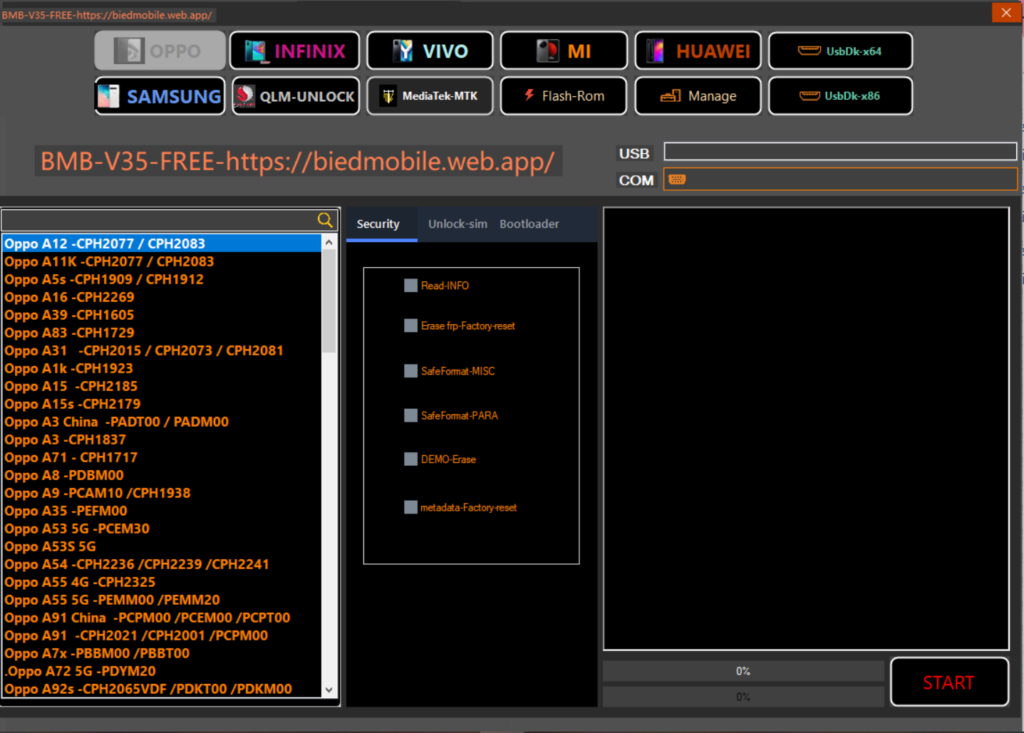
You can use the latest BMB tool V35 to fix FRP Reset (ADB), Disable MI Account, Fasboot PIN, FRP, Unlock Bootloader, Samsung QUALCOMM COM EDL FRP, Samsung KG Erase, Oppo MDM Lock Unlock, MTK FRP + Pin Erase, MTK Disable MI Ac, Meta Mode FRP Pin Erase Oppo F9 and F11 Pro, and the last MTK Unlock Bootloader, etc for free.
Here, In this article, I manage to share the URL to download Android MTK Qualcomm setup with proper guidance to use it on the computer easily. It supports Oppo, Vivo, Wiko, Tecno, Huawei, Samsung, Xiaomi, Meizu, Motorola, and other MTK & Qualcomm powered phones easily & free.
How to Use BMB Qualcomm Tool V35
- Download & extract the BMB Unlock Tool setup to your Computer.

- Now Run Setup BMBV32.exe as Administrator.
- Wait for a few Sec to open the tool.
- Now Power Off your phone
- Then put your phone into the EDL mode
- Now Check the below-listed options and choose whatever you want to use:
- PORT:

- OPPO Qualcomm
- Factory Reset + FRP A33 (CPH2137)
- Factory Reset + FRP A53 (CPH2127)
- Factory Reset + FRP A53s (CPH2139)
- Factory Reset + FRP A73 (CPH2099)
- Factory Reset + FRP A74 (CPH2219)
- Factory Reset + FRP A95 (CPH2365)
- Factory Reset + FRP F17 (CPH2095)
- Factory Reset + FRP F19 (CPH2219)
- Factory Reset + FRP Realme 7i (RMX2103)
- Format-Factory Reset + FRP A53 (2017)
- Format-Factory Reset+FRP A57
- Format-Factory Reset+FRP A51
- Format-Factory Reset+FRP A71 (Qualcomm)
- Format-Factory Reset+FRP A77
- Format-Factory Reset+FRP F3 Plus
- Format-Factory Reset+FRP OPPO A33 (2017)
- Format-Factory Reset+FRP A57

- VIVO Qualcomm
- Format + FRP V5 Plus
- Format + FRP V7
- Format + FRP V7 Plus
- Format + FRP S1 Pro
- Format + FRP V15 Pro
- Format + FRP X7 Plus
- Format + FRP X27 Pro
- Format + FRP X21222
- Format + FRP XPlay 6
- Format + FRP Y73
- Format + FRP Y93
- Format + FRP X7r
- Format + FRP X9i
- Format + FRP X9 Plus L
- Format + FRP X21s
- Format + FRP X23
- Format + FRP X23 HS
- Format + FRP X35 Prog
- Format + FRP Y51
- Format + FRP Y53
- Format + FRP Y55L
- Format + FRP Y55L
- Format + FRP Y55S
- Format + FRP Y65
- Format + FRP Y66
- Format + FRP Y66i
- Format + FRP Y71
- Format + FRP Y75s
- Format + FRP Y79
- Format + FRP Y85 + Y91i
- Format + FRP Z3
- Format + FRP Y11 1906
- Format + FRP Y91_Y93_Y95_V11

- Xiaomi Qualcomm
- Format + FRP Mi 5X
- Format + FRP Mi Max 2
- Format + FRP Mi Note 2
- Format + FRP Mi Note 3
- Format + FRP Mi 5 (UFS)
- Format + FRP Mi 5s
- Format + FRP Mi 6
- Format + FRP Mi Max

- SAMSUNG Qualcomm
- A11 FRP Samsung
- A015 FRP Samsung
- A025 FRP Samsung
- A115 FRP Samsung
- A70 FRP Samsung
- J4p FRP Samsung
- SM-J610F FRP Samsung

- Vivo Unlock BL 2022
- Vivo Y11 Unlock Bootloader
- Lock Bootloader

- Backup KG IMEI Custom Loader
- Open File Mbn Elf
- Safe Format
- Format Factory + Reset FRP
- Erase FRP Vivo
- Erase FRP Oppo EMMC
- Erase MI Cloud
- Fix Wifi
- Backup IMEI
- Restore IMEI
- Unlock Bootloader
- Lock Booloader
- FRP Samsung
- Erase FRP Oppo UFS
- That’s it.