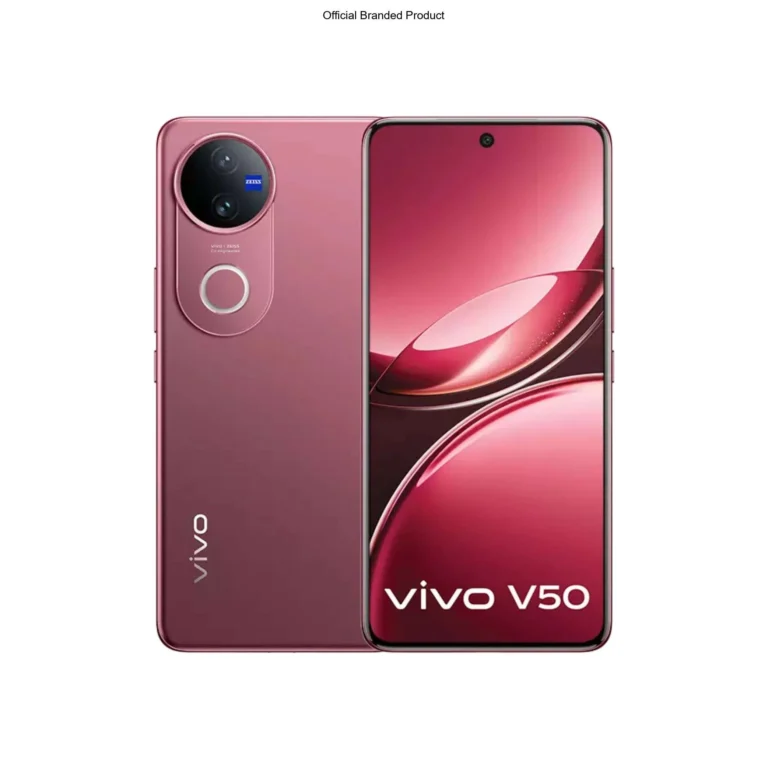
Vivo V50 V2427 Full Dump file Tested By F64 Box.
Here’s what’s available regarding a Vivo V50 (model V2427) full dump file tested with F64 Box/Flash64:
📁 Available Dump File (F64 Box)
✅ You can download a tested dump file for the Vivo V50 V2427 from firmware repositories online:
- Vivo_V50_V2427_Flash64_F64_Box_Dump.zip – This is a full EMMC dump read/tested with Flash64 / F64 Box.
📌 Details:
- 📌 Filename: Vivo_V50_V2427_Flash64_F64_Box_Dump.zip
- 📌 Size: ~10.87 GB
- 📌 Format: EMMC/Full Dump (usually contains raw partition images like userdata, system, cache, nvram, etc.)
- 📌 Tool Support: Designed for use with F64 Box / Flash64 and other advanced flashing tools.
🔗 You can find/download it from the FirmwareDrive repository here:
→ (Look for the link labeled “Vivo_V50_V2427_Flash64_F64_Box_Dump.zip” on the page)
🛠️ How Technicians Use This Dump File
Service centers and advanced users typically use dump files like this to:
- Unbrick/restore a bricked device
- Repair dead boot/bootloop issues
- Remove FRP or security locks
- Restore IMEI/baseband data
- Rebuild partitions after corruption
These operations require tools such as F64 Box / Flash64, UFI Box, or similar service boxes.
Download Vivo V50 V2427 Full Dump file Tested By F64 Box :-

⚠️ Important Notes & Warnings
📍 Firmware files and dump images are technical and intended for trained technicians.
Improper use can permanently brick your device.
📍 Always back up personal data before trying any firmware dump flash.
📍 Many sites hosting dump files may require an account or membership to download.
📍 Only download firmware from trusted/reputable sources to avoid corrupted or malicious files.
📍 Ensure your F64 Box/Flash64 software is updated and supports the V50 V2427 dump.
If you want, I can also provide step-by-step instructions on how to flash this dump with Flash64 or how to extract specific partitions (like IMEI/NVRAM).