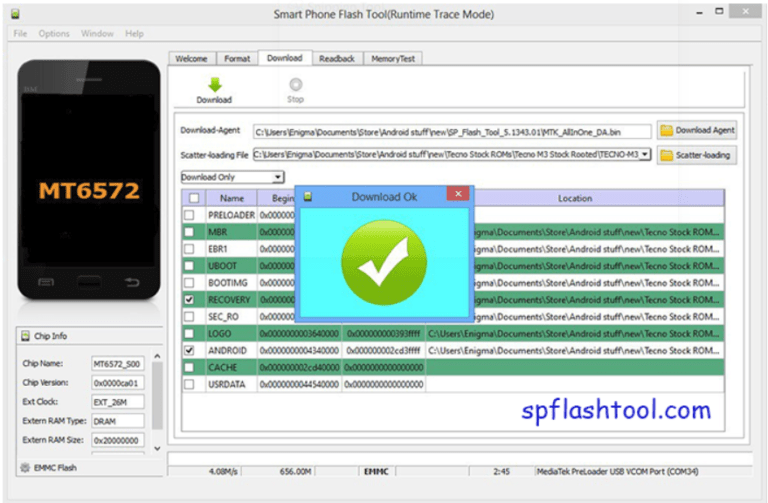
Oppo A15s CPH(2179) Password Unlock file 100% Tested File
100% Tested Working File
By SP Flash TOOL FOR Free
Oppo A15s CPH(2179) Password Unlock file 100% Tested File
100% Tested Working File
By SP Flash TOOL FOR Free
Download the LYF Jio F320B Flash File to install KAIOS OS on your phone. (Hang On Logo & Restart). The firmware flash tool has been thoroughly tested and is now available.Today we are going to give a complete and thorough guide to flashing the official stock ROM on the Jio F320b cellphone. Jio F320b was released in 2021, But use 2021 2022 2023 all Time, but it is still the most popular low-cost keypad cellphon among Jio customers.

About Jio Phone
You can take amazing photographs with its 2 MP rear camera and 0.3 MP front camera. Its 4 GB of internal memory may be increased to 128 GB for even more entertainment possibilities. Its 1500 mAh battery enables you to chat for up to 15 hours and standby for up to 10 days.
Jio F320B Flash File (Stock Rom) 100% Tested File Download
LYF-F320B-002-02-58-140422 (Latest 2022) FREE
Password-Msmobileinstitute
Jio Phone Next LS1542QWN Flash File
1- Download the LYF F320b Flash file which consists of File, Tool & Driver.
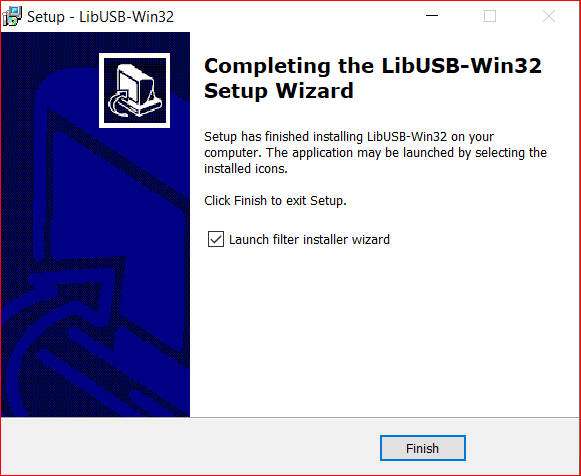
2- Install Driver
3- Connect Phone in Off mode and Press Boot key Up Dpad+ Down Dpad or center key
4- It will make port named “Qualcomm HS-USB Diagnostics 9091”
5- It means the driver has been installed successfully.
6- Copy Only Flash File Folder In C driver.
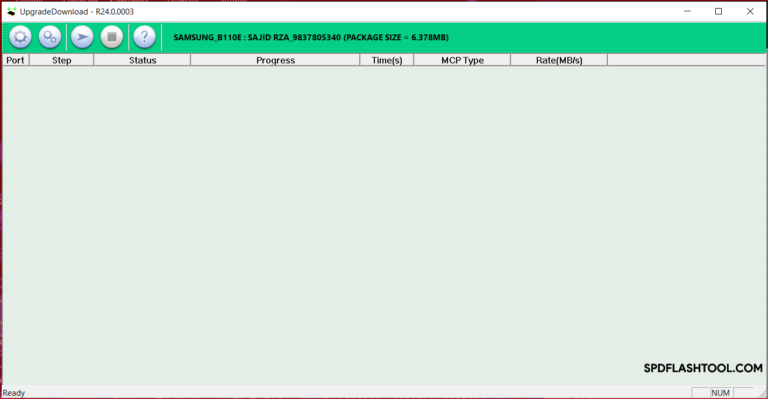
7- Open Flashtool
8- Select File Folder Location
9- Select Rawprogran and Patch File
10- Click On Download
11- Flashing Succes 100% Done .
1- Download LYF Jio F320B Flash file which consists of File, tool & Driver.
2- Install Driver
3- Connect Phone holding Boot key: * mode to cross-check driver installation. It will make port named “Qualcomm HS-USB Diagnostics 9008”.
4- It means the driver has been installed successfully.
5- Install Flash Tool, which will install a shortcut on Desktop named Qflash_Tool_9.1.7.

6- Connect phone (Press * as Boot key)& Click on Load Content and from Flash File Folder select Content.xml

7- It will show Port in tool.
8- Click on Download Content to start Upgrading.

9- Wait till done appears.
10- After upgradation, device will shift to download mode.
11- Disconnect Phone & reinsert battery.
If flashing Fails or does not start, then there must be a gap between the words while choosing flash file. Rename the folder.
As in Qualcomm Flashing, there must be no gap in between the words.
jio new should be replaced by jio_new or jionew.

Download LYF JIO F220B Flash File to install KAIOS OS on your phone
All Error Fix Tested Flesh File

LYF Jio F220B Flash File (Stock ROM) 2023 100% Tested File
QFlash Tool All Version Download
Jio Phone Next LS1542QWN Flash File
Welcome to WordPress. This is your first post. Edit or delete it, then start writing!
Ac haca ullamcorper donec ante habi tasse donec imperdiet eturpis varius per a augue magna hac. Nec hac et vestibulum duis a tincidunt per a
Ullamcorper condimentum erat pretium velit at ut a nunc id a adeu vestibulum nibh urna nam consequat erat molestie lacinia rhoncus. Nisi a d
Parturient in potenti id rutrum duis torquent parturient sceler isque sit vestibulum a posuere scelerisque viverra urna. Egestas tristique v
A sed a risusat luctus esta anibh rhoncus hendrerit blandit nam rutrum sitmiad hac. Cras a vestibulum a varius adipiscing ut dignissim ullam
Telegram
Aliquet parturient scele risque scele risque nibh pretium parturient suspendisse platea sapien torquent feugiat parturient hac amet. Volutpa