Home Blog Page 34

Realme C33 RMX3624 Flash File (Stock ROM)

Realme C33 RMX3624 Flash File can be used to fix hang on the logo and remove all screen locks. This file will remove all type of screen lock like Pattern and frp after flash. Always use latest flash file to flash Realme C33 check device version by dial code *#899# in emergency dial. download the file with direct download link given below and read all flashing instructions before flashing phone.

About Realme C33

Realme C33 is Powered by Unisoc T612 Latest Chipset (CPU). It comes with 3GB of RAM. Realme C33 come with 5000mAh non-removable battery and fast charging. Realme C33 runs Realme UI 3.0 is based on Android 12 and packs 32GB of inbuilt storage and phone does not have dedicated SD card slot to extend device storage.

when you run flash tool in your pc it will ask you to log in because tool required login credentials then it can be flash. if you don’t have then simply contact me or message me on the facebook page. It’s Paid Service.

Realme C33 RMX3624 Flash File Download:-

SPD Flash Tool Tested

How To Flash Realme C33 RMX3624:

  1. Download the firmware & extract
  2. Out of the icon appearing, Double click on Flash Tool
  3. After tool launch on your pc, click on Start All
  4. Switch off your mobile and connect it to pc by pressing volume up and down button
  5. It will lead you to successful flashing.
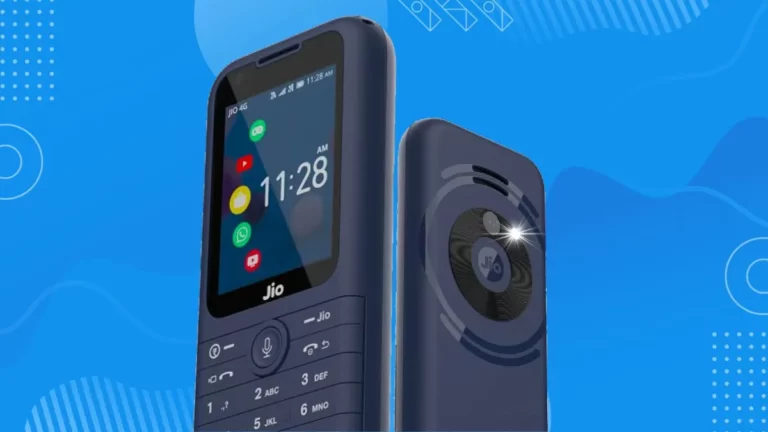
Jio Phone Prima 4G ( F491H ) Flash File (Stock Rom) 100% Tested

Jio Phone Prima 4G ( F491H ) Flash File (Stock Rom) 100% Tested,Today I am going to give you Jio Phone Prima 4G ( F491H ) Flash File 100% Tested With this file, if you have any password or hang on logo problem in your phone or there is any other problem then it will be solved.

About Jio Phone Prima 4G ( F491H )

Single Sim, 3G, 4G, VoLTE No Wifi 512 MB RAM, 4 GB inbuilt
1000 mAh Battery 1.77 inches, 240 x 320 px Display 0.3 MP
Rear Camera Memory Card Supported, upto 128 GB Bluetooth.

   Why You Need the Jio Phone Prima 4G ( F491H ) Flash File:

  • Fix Hang on Logo: loop of the startup logo, and get your device up and running smoothly again.
  • Fix Boot Problems: Device Stuck on boot logo flash this files to fix stuck
  • Unlock Screen Lock: Remove screen lock pattern or PIN, this file can help you regain access to your device.
  • Blank Screens: No Graphics Black Screeb Stuck Fix
  • All-in-One Solution: This single file Download and use to fix your all multiple problems,
  • Device Currupted: no command problem.

Jio Phone Prima 4G ( F491H ) Flash File Download:-

  • Jio-F491H-001-06-01-260923 1 2

SPD Flash Tool Tested Download

Password –Msmobileinstitute_Jio Phone Prima 4G ( F491H )

https://msmobileinstitute.com/all-jio-bharat-flash-file-stock-rom-100-tested-file

CONTACT FOR FLASHING

Whatsapp:6239486392

HOW TO FLASH JIO PHONE PRIMA 4G : 

  • Download and Install SPD driver
  • Download and extract flash file and flash tool
  • Open SPD tool and click on load packet button and select flash file
  • When packet file succesfully load on the tool, then click Start downloading button on tool.
  • Now switched off your phone and press  * key then connect usb cable to the phone and PC.
  • Flashing will start as soon as you connect the phone, wait for completion
  • After flashing, click on the stop button in the tool, remove the phone and turn it on.

Mi MTK Auth Flash Tool SP Flash Tool

Mi MTK Auth Flash Tool SP Flash Tool

Redmi note 11t flash tool

The System Has been destroyed Solve

Mi MTK Auth Flash Tool SP Flash Tool Download:

Mi MTK Auth Flash Tool SP Flash Tool Download

AndroidUtilityV124 Tool Download:

AndroidUtilityV124 Tool

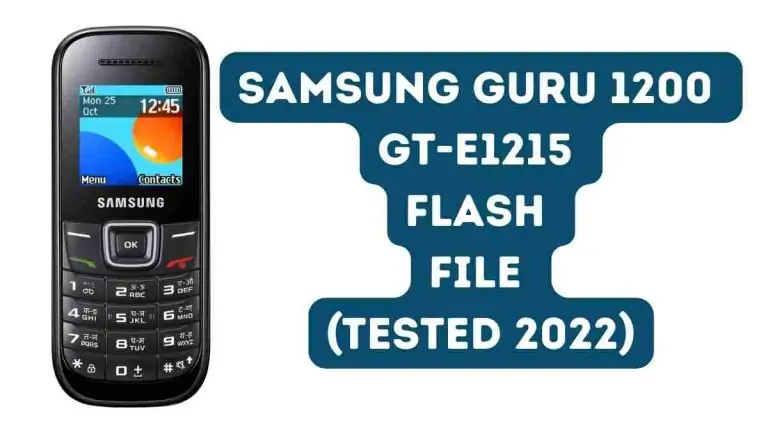
SAMSUNG GURU GT-E1215 Flash File (Stock Rom) Tested 2024

SAMSUNG GURU GT-E1215 Flash File (Stock Rom) Tested 2024

Samsung Guru GT-E1215 Flash File Stock Firmware Tested File Download If yes, you’ve arrived at the right place. Here we will share a free flash file, flash tool and USB driver download link with you tested official firmware (ROM). We’ll also direct you to show you step by step how to Download and use the Samsung Guru E1215 Bin Flash File.let’s start.

About Samsung GT-E1215 Stock ROM

Samsung GT-E1215 Flash File is a ROM or firmware file you need to flash your computer with SamsungGT-E1215. Samsung is one of the mobile industry’s biggest brands. It also supplies low-budget feature phones, along with high smartphones, for easy communication. SamsungGT-E1215 device is one of the popular devices that have maintained its popularity to this day.

About Samsung GT-E1215 Stock ROM

Samsung GT-E1215 Flash File is a ROM or firmware file you need to flash your computer with SamsungGT-E1215. Samsung is one of the mobile industry’s biggest brands. It also supplies low-budget feature phones, along with high-end smartphones, for easy communication. SamsungGT-E1215 device is one of the popular devices that have maintained its popularity to this day.

How to Flash Samsung GT-E1215 With Upgrade Download Tool :

Samsung_Guru_GT-E1215_(Flash file) 12

Spd Flash tool

With the Upgrade Download Tool, you can easily flash your Samsung GT-E1215 from both your mobile and your computer.

Here are the ways to go:

  • At first, open the folder for the flash machine. Find and open the “Reserach SPD Tool” program right there.
  • You will see the “Load Packets” option after the launch of the app. Click here.
  • You can now see a window has opened to browse.
  • From that window, pick the packet format from the Flash File folder GT-E1215.
  • Click the button on “Start.”
  • Test to see if your computer has more than 50 percent charge before beginning the flashing work with your mobile phone.
  • If this is not charged up to this level, first charge it.
  • And you can move on to the next step when paid.
  • Switch your computer off initially.
  • When the flashing process is complete, the green color message “Passed” will appear.
  • Congratulations to you if you can reach this level. Now, the USB data cable is secure for you to disconnect.

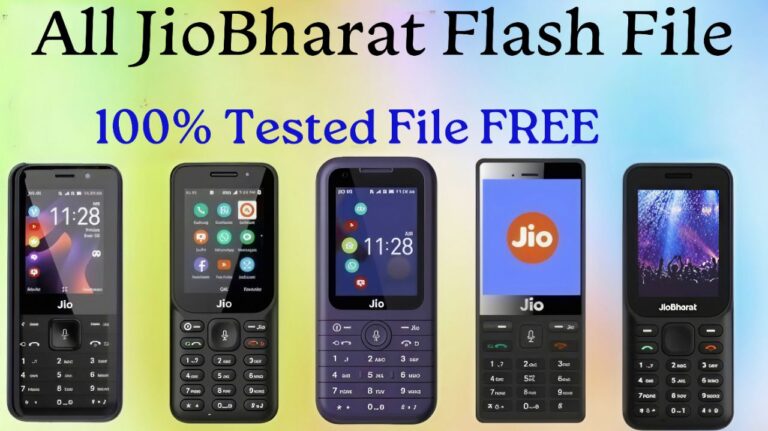
All Jio Bharat Flash File (Stock Rom) 100% Tested File

All Jio Bharat Flash File (Stock Rom) 100% Tested File

Today I am going to give you Jio Bharat Karbonn KW201 Flash File 100% Tested. With this file, if you have any password or hang on logo problem in your phone or there is any other problem then it will be solved.

HOW TO FLASH JIO BHARAT KARBONN KW201:

  • Download and Install SPD driver
  • Download and extract flash file and flash tool
  • Open SPD tool and click on load packet button and select flash file
  • When packet file succesfully load on the tool, then click Start downloading button on tool.
  • Now switched off your phone and press  * key then connect usb cable to the phone and PC.
  • Flashing will start as soon as you connect the phone, wait for completion
  • After flashing, click on the stop button in the tool, remove the phone and turn it on.

Jio Bharat Phone ASR CPU Flash Tool LF012 , LF062 , KW101 , JBV162W1 FREE

Jio Bharat Phone ASR CPU Flash Tool LF012 , LF062 , KW101 , JBV162W1 FREE

The ASR CPU Flash Tool stands out as a key player in the realm of mobile repairing, specifically designed for flashing Jio’s new keypad phones. This tool has gained prominence for its compatibility and efficiency in handling the firmware flashing process on devices equipped with various CPU architectures.

Jio Bharat Phone ASR CPU Flash Tool Download Free

Jio Bharat Phone ASR CPU Flash Tool 1 2

How to use ASR CPU Flash Tool:

  • Download and Unzip ASR CPU Flashing Tool: Begin by downloading the ASR CPU Flashing tool and unzip Extract the files to access its c omponents.
  • Run “Aboot Application” in ASR CPU Flash Tool Folder: Open the ASR CPU flashing tool folder and run the “aboot application” to load the flash file.
  • Select ZIP Flash File in Release Package Search Tab: Navigate to the Release Package Search tab and choose the ZIP flash file for the desired Jio phone.
  • Start Downloading: Once the packet file is successfully loaded, click on the “Start downloading” button within the tool.
  • Switch Off Phone and Connect USB Cable: Turn off your Jio phone, press the * key, and connect the USB cable to both the phone and the PC.
  • Tool Shows “Progress” on Successful Connection: Upon a successful connection, the tool will display a “Progress” status, indicating the comencement of the flashing process.
  • Monitor Progress During Software Upgrade: The tool will continuously show progress indicators as it performs the software upgrade on the connected Jio phone.
  • Successful Completion –“Passed” Message: Upon successful completion of the software upgrade, a “Passed” message will be displayed in the tool.
  • Stop Downloading and Disconnect the Phone: Click on the stop downloading icon within the tool and safely disconnect the Jio phone, completing the flashing process.

UMT/UMT Pro All Latest Setup Download All Tool

UMT/UMT Pro All Latest Setup Download All Tool

vg

Jio Bharat V1 ( LF012F ) Flash File (Stock Rom) 100% Tested

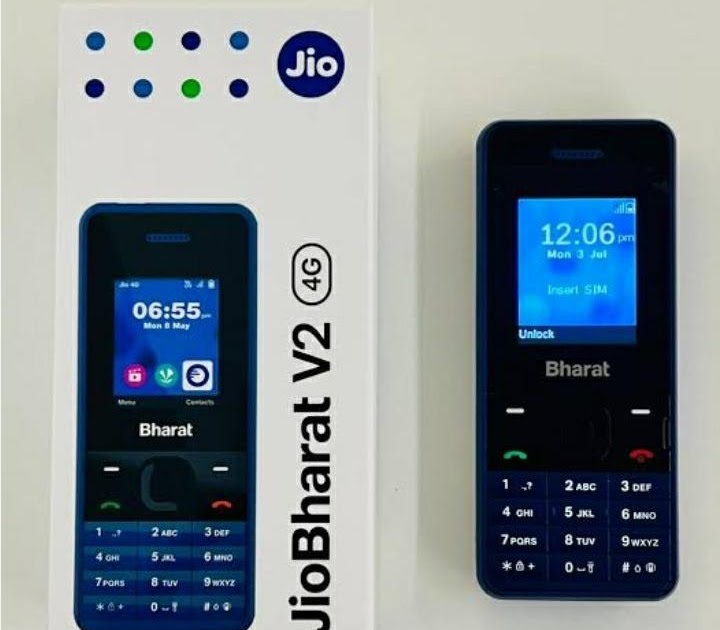
Today I am going to give you the Jio Bharat V2 LF062W Flash File. Use this file if you have set password in your phone or hang on logo or there is any software related problem then that will be solved 100% Tested.

Why Flash Your Device?

  • Performance Improvement: Flashing your device with the stock ROM can enhance its performance by resolving software-related issue and optimizing system operations.
  • Software Updates: It allows you to update your device to the latest official software version, ensuring you have access to new features, bug fixes, and security updates.
  • Stability and Reliability: Stock ROMs are designed by the device mannufacturer to provide a stable and reliable user experience, reducing the likelihood of crashes or errors.
  • Remove of Customization: installed custom ROMs or modifications that have problems, flashing with the stock ROM can remove these customizations and restore your device to its original state.
  • Security: Stock ROMs often include the Latest security patches, which can help protect your device from vulnerabilities and potential security threats.

Jio Bharat V1 ( LF012F ) Flash File Download:-

Jio Bharat ASR Cpu Flash Tool 2

Password-MHKS Mobile Engineer JIO_LF012F_000

All Jio Bharat Flash File (Stock Rom) 100% Tested File

CONTACT FOR FLASHING

Whatsapp:6239486392

How To Flash Jio Bharat V1 ( LF012F )

  • Install Usb Driver ARS CPU
  • Download and open flash tool
  • Select flash file in flash tool
  • click on start and connect phone
  • now wait for completion
About Jio Bharat V2

Single Sim, 3G, 4G, VoLTE No Wifi 512 MB RAM, 4 GB inbuilt
1000 mAh Battery 1.77 inches, 240 x 320 px Display 0.3 MP
Rear Camera Memory Card Supported, upto 128 GB Bluetooth.

   Why You Need the Jio Bharat V1 4G Flash File:

  • Fix Hang on Logo: loop of the startup logo, and get your device up and running smoothly again.
  • Fix Boot Problems: Device Stuck on boot logo flash this files to fix stuck
  • Unlock Screen Lock: Remove screen lock pattern or PIN, this file can help you regain access to your device.
  • Blank Screens: No Graphics Black Screeb Stuck Fix
  • All-in-One Solution: This single file Download and use to fix your all multiple problems,
  • Device Currupted: no command problem.

Jio Bharat V2 ( JBV162W1 ) Flash File (Stock Rom) 100% Tested

Jio Bharat V2 ( JBV162W1 ) Flash File (Stock Rom) 100% Tested

Jio Bharat V2 ( JBV162W1 ) (Flash File) Stock Rom

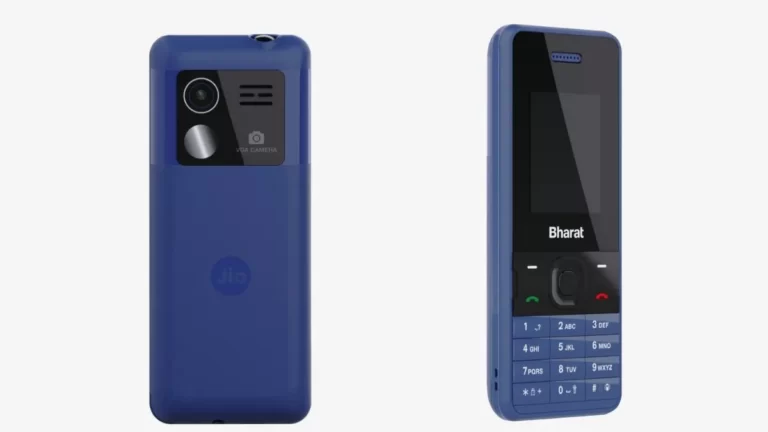
Today I am going to give you the Jio Bharat V2 LF062W Flash File. Use this file if you have set password in your phone or hang on logo or there is any software related problem then that will be solved 100% Tested.

Jio Bharat V2 ( JBV162W1 ) Flash File Download:-

Jio Bharat ASR Cpu Flash Tool 2

Password-JIO_JBV162W1_Ms mobile institute

All Jio Bharat Flash File (Stock Rom) 100% Tested File

CONTACT FOR FLASHING

Whatsapp:6239486392

How To Flash Jio Bharat V2 ( JBV162W1 )

  • Install Usb Driver ARS CPU
  • Download and open flash tool
  • Select flash file in flash tool
  • click on start and connect phone
  • now wait for completion
About Jio Bharat V2

Single Sim, 3G, 4G, VoLTE No Wifi 512 MB RAM, 4 GB inbuilt
1000 mAh Battery 1.77 inches, 240 x 320 px Display 0.3 MP
Rear Camera Memory Card Supported, upto 128 GB Bluetooth.

   Why You Need the Jio Bharat V2 4G Flash File:

  • Fix Hang on Logo: loop of the startup logo, and get your device up and running smoothly again.
  • Fix Boot Problems: Device Stuck on boot logo flash this files to fix stuck
  • Unlock Screen Lock: Remove screen lock pattern or PIN, this file can help you regain access to your device.
  • Blank Screens: No Graphics Black Screeb Stuck Fix
  • All-in-One Solution: This single file Download and use to fix your all multiple problems,
  • Device Currupted: no command problem.

Jio Bharat V2 (JBV161W1) (Flash File) Stock Rom

Jio Bharat V2 (JBV161W1) (Flash File) Stock Rom

Today I am going to give you the Jio Bharat V2 LF062W Flash File. Use this file if you have set password in your phone or hang on logo or there is any software related problem then that will be solved 100% Tested.

Jio Bharat V2 (JBV161W1) Flash File Download:-

SPD Flash Tool Tested Download

Password-Mithilesh Mobitech JBV161W1_000_02_09_121023

All Jio Bharat Flash File (Stock Rom) 100% Tested File

CONTACT FOR FLASHING

Whatsapp:6239486392

How To Flash Jio Bharat V2 LF062W :

  • Install Usb Driver ARS CPU
  • Download and open flash tool
  • Select flash file in flash tool
  • click on start and connect phone
  • now wait for completion
About Jio Bharat V2

Single Sim, 3G, 4G, VoLTE No Wifi 512 MB RAM, 4 GB inbuilt
1000 mAh Battery 1.77 inches, 240 x 320 px Display 0.3 MP
Rear Camera Memory Card Supported, upto 128 GB Bluetooth.

   Why You Need the Jio Bharat V2 4G Flash File:

  • Fix Hang on Logo: loop of the startup logo, and get your device up and running smoothly again.
  • Fix Boot Problems: Device Stuck on boot logo flash this files to fix stuck
  • Unlock Screen Lock: Remove screen lock pattern or PIN, this file can help you regain access to your device.
  • Blank Screens: No Graphics Black Screeb Stuck Fix
  • All-in-One Solution: This single file Download and use to fix your all multiple problems,
  • Device Currupted: no command problem.